
Most of us are used to interacting with technology through screens. We tap buttons, scroll pages, open apps, and click menus. But over the last few years, something interesting has been happening. Technology is slowly learning to work without asking us to touch a screen at all. This shift is called the Zero UI experience.
In simple terms, Zero UI means using technology without traditional user interfaces like screens, keyboards, or menus. Instead of tapping or clicking, people interact through voice, movement, face recognition, sensors, or automatic actions. The technology stays in the background and responds only when needed.
This idea isn’t futuristic anymore. It’s already part of everyday life.
What Is Zero UI?
Zero UI experience means you don’t have to “use” technology it just works for you.
- There’s no app to open.
- No button to press.
- No screen to stare at.
You simply speak, move, or exist in a space, and the system responds.
For example:
- You say “Hey Siri” and your phone responds
- Your phone unlocks using Face ID without typing a password
- Your smartwatch tracks steps and heart rate automatically
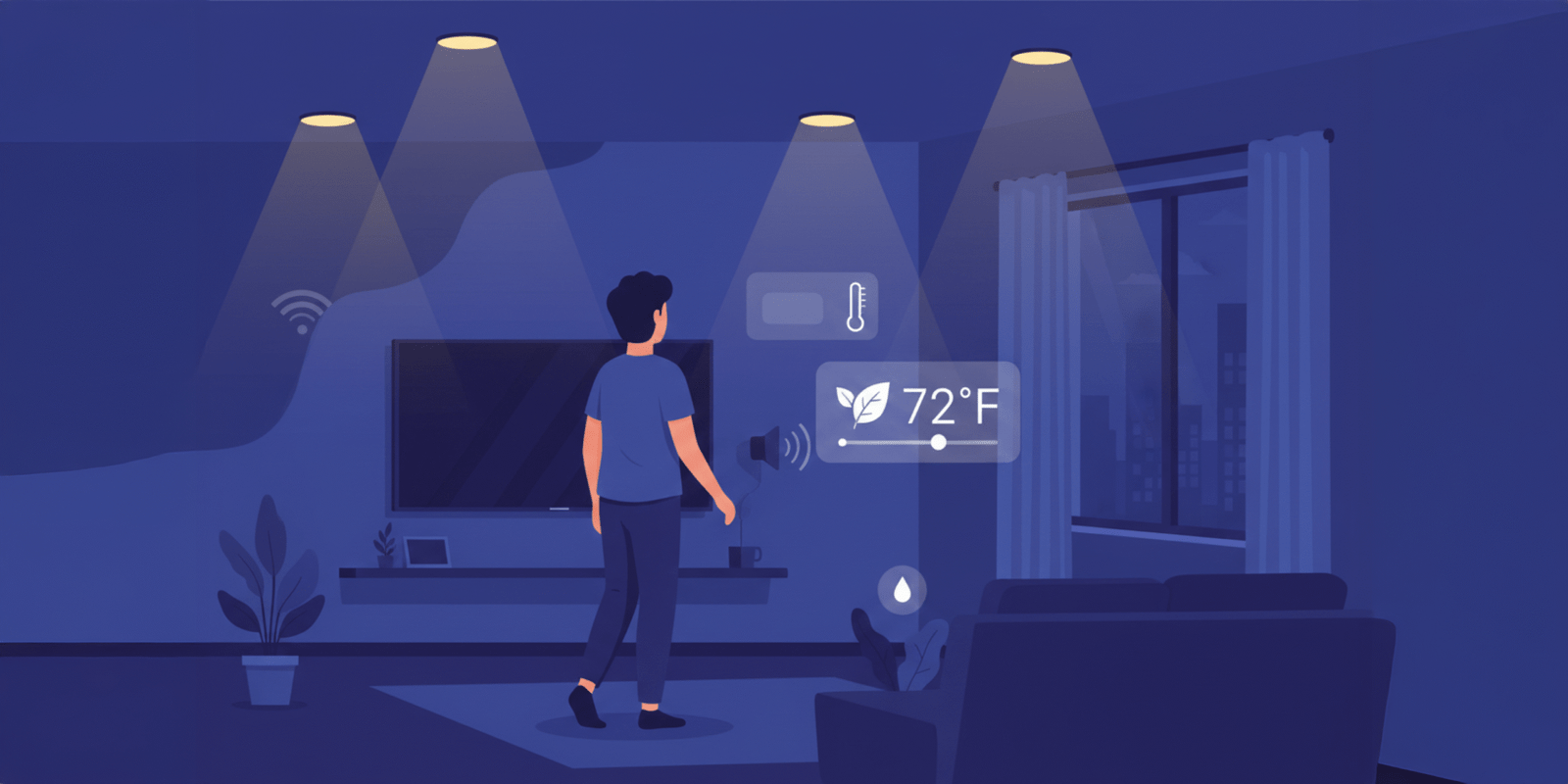
- Smart lights turn on when you enter a room
- A car adjusts mirrors and seats based on who is driving
In all these cases, there is no visible interface. The experience feels natural because it follows human behavior.
Apple describes this approach as “ambient computing,” where technology blends into everyday life instead of demanding attention.
Why Zero UI Is Becoming Popular
People are tired of screens.
We already spend hours on phones, laptops, and tablets. Notifications, pop-ups, and constant decision-making create fatigue. Zero UI removes that friction by reducing how often we need to interact manually.
According to Gartner, users increasingly prefer systems that reduce effort and automate decisions where possible. This is especially true for:
- Busy professionals
- Drivers
- Parents
- Older users
- People with accessibility needs
Zero UI allows people to focus on tasks, not tools.
Real Examples of Zero UI You Already Use
Zero UI is not a theory. Major companies are already using it.
Voice Assistants
Amazon Alexa, Google Assistant, and Apple Siri are classic Zero UI examples. You don’t tap menus, you speak naturally, and the system responds.
Smartphones
Face ID and fingerprint unlock are Zero UI experiences. The phone recognises you automatically. No passwords. No interaction.
Cars
Modern cars adjust seats, mirrors, climate control, and driving modes automatically. Some even detect driver fatigue and issue alerts.
Wearables
Fitness trackers monitor steps, sleep, heart rate, and stress levels without user input. Data appears only when needed.
Retail Stores
Amazon Go stores allow customers to walk in, pick items, and leave without checkout. Sensors and cameras handle everything in the background.
How Zero UI Changes User Expectations
People no longer want to learn systems. They expect systems to learn from them.
Instead of asking:
- “Where is this setting?”
- “Which app should I open?”
- “How do I do this?”
Users expect:
- “It should already know”
- “It should work automatically”
- “It should respond instantly”
This changes how products are designed. Success is measured by how little effort users need, not by how many features are visible.
Why Designing Zero UI Is Actually Hard
Removing screens doesn’t make design easier, it makes it harder.
Without buttons or menus, systems must correctly understand:
- Context
- Intent
- Timing
- Behavior
If done poorly, Zero UI can feel confusing or invasive. If done well, it feels invisible.
Google’s design guidelines highlight that Zero UI systems must always provide:
- Clear feedback (sound, vibration, subtle signals)
- User control
- Transparency about data usage
- Easy opt-out options
Trust is essential. Users must feel safe even when they don’t see what’s happening.
Business Benefits of Zero UI Experience
For businesses, Zero UI improves more than convenience.
It leads to:
- Faster task completion
- Better accessibility
- Higher user satisfaction
- Reduced friction
- Stronger customer loyalty
Companies that adopt Zero UI thoughtfully often stand out because their products feel effortless rather than complex.
According to McKinsey, reducing user effort directly impacts customer retention and long-term value.
Ethical Responsibility Matters More Than Ever
Invisible technology must still be responsible technology.
Users should always know:
- What data is collected
- Why is it collected
- How decisions are made
- How to override automation
Zero UI should empower people, not remove their control. Transparency and consent remain non-negotiable.
The Future of Zero UI Experience
Zero UI does not mean screens will disappear completely. Instead, screens will become secondary.
The future experience will be:
- Ambient
- Predictive
- Context-aware
- Human-centered
Technology will quietly assist instead of constantly demanding attention.
Conclusion
Zero UI experience represents a major shift in how we interact with technology. By removing unnecessary screens and interactions it allows people to focus on living and working rather than managing devices. The most successful Zero UI systems are not the ones users notice they are the ones users trust. As technology continues to blend into everyday environments, businesses that design responsibly and thoughtfully will create experiences that feel natural, respectful, and genuinely helpful. In the long run, the best technology won’t be the most visible, it will be the most invisible.

I truly enjoy examining on this web site, it has good posts.